Mono carries one program or a combined signal to the available output channels. Stereo carries two channels that can contain different information. A stereo device can still play mono content, and a system mono setting can combine a stereo source before it reaches the device. To identify the active behavior, use a source with deliberately different left and right signals.
Quick answer
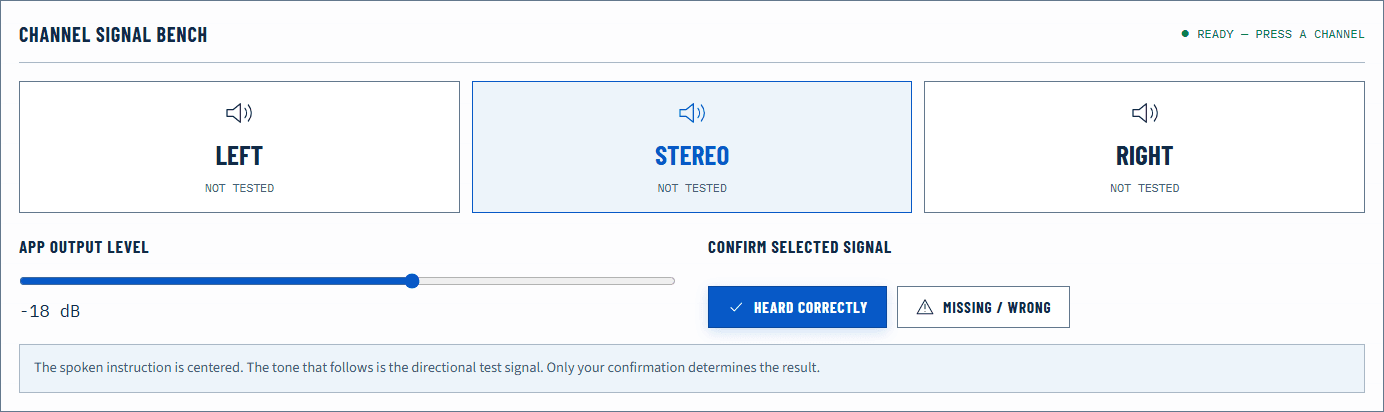
Open the Stereo Test. Play Left and confirm it comes only from the physical left. Play Right and confirm the opposite side. Then play the center or stereo signal. If each isolated channel appears from both sides, a mono accessibility setting, upstream mixer, adapter, or device may be combining them. If left and right remain distinct, the path preserves stereo separation.
This does not tell you whether every song or video is stereo. Content can be mono by design even when the playback path supports two independent channels.
Run a controlled channel test
Use moderate volume and a simple physical route. Disconnect unnecessary adapters and spatial processors for the baseline. With headphones, check that left and right earcups are oriented correctly. With speakers, sit near the center and verify the labels or cables.
- Play the Left and Right Audio Test left signal.
- Record which physical output responds; do not infer from the screen alone.
- Stop, then play the right signal.
- Play the center signal and note whether it appears between the outputs.
- Repeat once after changing only the suspected mono or channel setting.
The browser creates known channel data, but it cannot hear the room. You supply the physical observation. A waveform moving on screen proves only that the browser scheduled a signal.
What mono actually does
In a typical accessibility mono mode, left and right source channels are combined so information that existed on only one side is available to both ears or outputs. The exact mixing rules and level compensation depend on the system. Mono is useful when a listener uses one earbud, a single speaker, or needs content from both channels in each output.
Mono does not mean “low quality.” A well-produced mono recording can be clear and full-range. It describes channel structure, not sample rate, bit depth, compression, speaker size, or fidelity.
Likewise, duplicating one mono signal to two speakers does not create stereo information. Both speakers receive the same program. There may be acoustic differences in the room, but the source does not contain independent left and right placement.
What stereo changes
Stereo permits differences between left and right: level, timing, phase, or entirely different sounds. Those differences can create width and location. A centered vocal is often sent similarly to both channels, while other elements are offset.
Hearing a sound in the center does not prove the path is mono. A stereo mix frequently contains centered material. The decisive test is whether a deliberately left-only and right-only signal remains isolated.
Spatial audio is also not synonymous with stereo. A spatial renderer may transform multi-channel or object-based material into two headphone channels. The physical output is still left and right, but the signals include cues intended to suggest other directions.
Find where channels are being combined
If isolated tests appear on both sides, check layers in this order:
- Operating-system accessibility: look for Mono audio and temporarily disable it.
- Application setting: some media players, communication apps, and accessibility tools have independent mono controls.
- Audio interface or mixer: a mono monitor button can sum the channels before the amplifier.
- Adapter or cable: a poorly wired stereo-to-mono adapter can combine or short channels in unintended ways.
- Device mode: a single smart speaker or compact device may intentionally down-mix incoming stereo.
Change one layer and repeat the same isolated test. If the result becomes separated after one change, you have evidence for that layer. Avoid treating a settings name as proof without a retest.
Failure matrix
| Observation | Interpretation to test | Next action |
|---|---|---|
| Left-only plays on both sides; right-only also plays on both | Channels are being summed | Check mono accessibility and mixer controls |
| Left and right are separate but physically reversed | Channel assignment is reversed | Trace cable, interface, or speaker placement |
| Both sides play, but one is consistently quieter | Balance, fit, room, or hardware offset | Run the unbalanced-audio guide |
| Center appears in the middle | Compatible with normal stereo | Use isolated channels to determine separation |
| A specific video sounds mono but test channels separate | Content may be mono | Compare another known stereo source |
| Separation changes when spatial audio is enabled | Renderer is altering channel cues | Compare with processing off, then restore deliberately |
Avoid phase and adapter traps
Summing stereo to mono can expose phase cancellation when left and right contain opposite-polarity components. The result may sound thin or lose centered bass even though each channel alone works. That is different from a muted side. Use the Phase Test if a wired speaker system sounds hollow in mono or from a centered position.
Do not join left and right outputs with a passive cable that was not designed for summing. Electrical outputs should not simply be tied together. Use a proper mixer or adapter specified by the device manufacturer.
Room acoustics also affect stereo perception. Speaker distance, early reflections, and listening position can pull the image even when electrical levels match. Headphones remove most room variables but introduce fit and earcup seal differences.
Browser and system limits
The Web Audio specification defines channel handling for browser audio nodes, but the browser hands its output to the operating system. The system, driver, interface, amplifier, and device can then mix or route the channels. A passing browser stereo test verifies the end-to-end behavior you heard, not every internal stage separately.
The test is not a hearing assessment. If an apparent imbalance stays with one ear after careful physical swaps, do not use software compensation as a medical conclusion.
Verify the active mode
After adjusting a mono, balance, or routing control, repeat left, right, and center at the same level. A stereo path should preserve isolated sides. A deliberately mono path should make information from either source channel available according to the system’s documented behavior.
Finish with familiar content, but interpret it only after the controlled signal. Music is a useful enjoyment check; it is a poor diagnostic reference because its channel placement is part of the creative mix.
Official sources
Application and operating-system controls can move. These primary references are the update baseline for this guide.